



Download Thunder VPN – free VPN, fast VPN, secure browsing, unlimited bandwidth, global servers, one-tap connect, no registration, mobile VPN, privacy protection, no data logging
Overview
Thunder VPN - Fast, Safe VPN is a mobile application developed by Signal Lab, designed to provide users with secure and private internet access through a free virtual private network service. The software targets individuals seeking straightforward online protection without the complexity of setup or registration. It is particularly suited for casual users, travelers, and those who prioritize ease of access when browsing the web.
The application enables users to mask their IP addresses and route internet traffic through remote servers, enhancing privacy and anonymity across various network types, including Wi-Fi, 4G, and 5G. With no registration required during initial setup, users can begin using the app immediately via its one-tap connect functionality. The software supports multiple servers worldwide, allowing users to select locations based on their needs, such as accessing geo-restricted content or improving connection speeds.
The developer did not provide additional system requirements or details about real-world performance. While the app claims to follow a no data-logging policy, some user reports suggest potential background data collection, which warrants caution during use.
Key Features & Capabilities
- One-tap connect functionality – Enables immediate connection to the optimal server based on the user’s location, minimizing setup time and simplifying access for beginners.
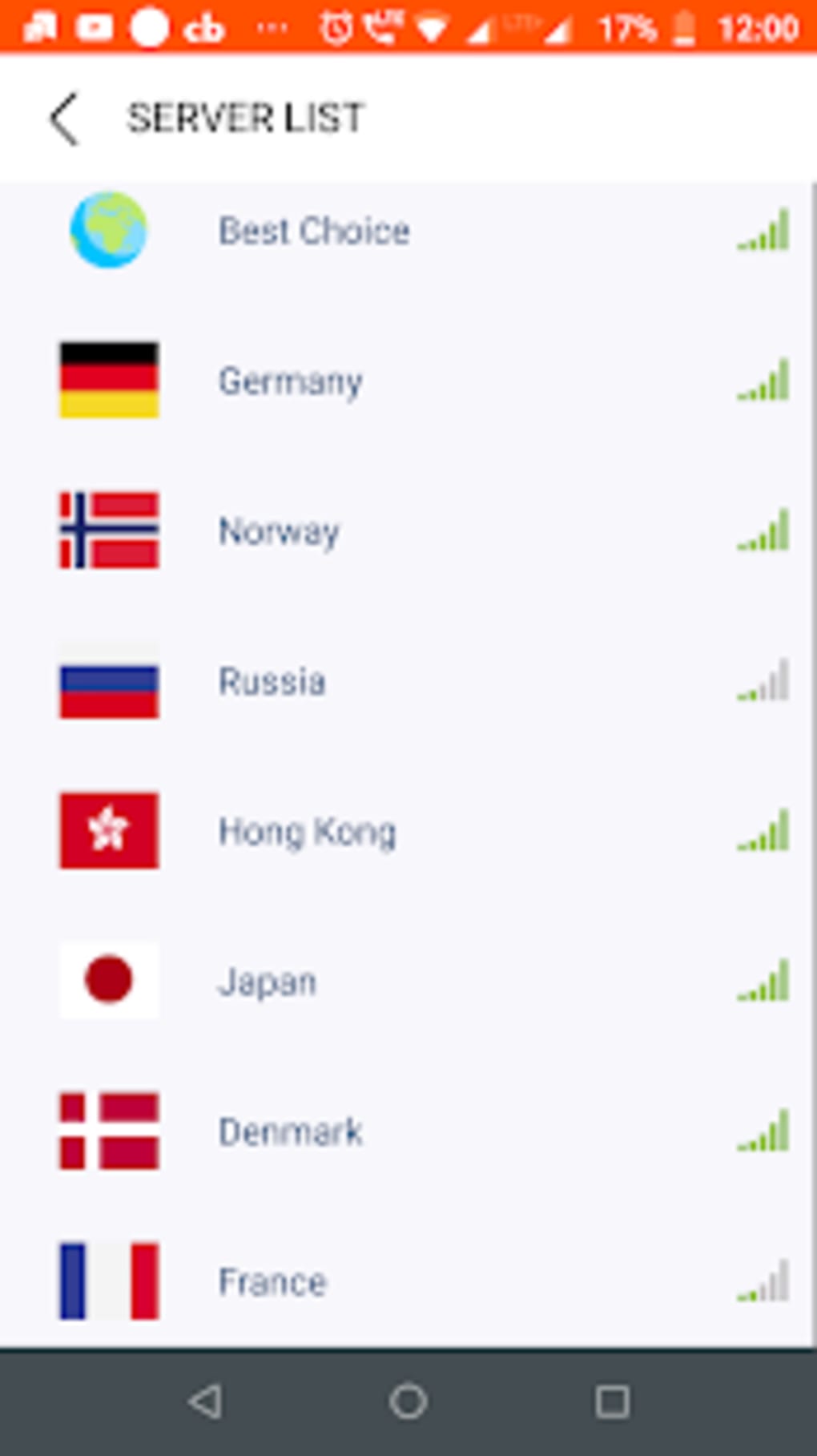
- Global server network – Offers a wide selection of servers across multiple countries, allowing users to choose locations for improved speed, content access, or privacy.
- Unlimited bandwidth – Supports unrestricted data usage on the free tier, enabling extended browsing, streaming, and downloading without throttling.
- Automatic server selection – Dynamically selects the best available server based on network conditions and proximity, optimizing performance.
- IP address masking – Hides the user’s real IP address, helping to protect identity and prevent tracking during online activities.
- Manual server selection – Allows users to choose specific server locations from the app’s interface for customized routing and access to region-specific content.
- In-app purchases for advanced features – Additional tools and server options can be unlocked through optional purchases, enhancing functionality beyond the free version.
These features collectively support a range of practical use cases, such as bypassing regional content restrictions, securing public Wi-Fi connections, and maintaining online anonymity. The free tier ensures accessibility for users who want basic privacy without cost, while premium upgrades offer expanded control and performance. The developer did not specify exact performance metrics or data encryption protocols. Users should be aware of the reported concerns regarding data handling, which may affect trust in the app’s privacy claims.
User Interface, Workflow & Performance
The user interface of Thunder VPN - Fast, Safe VPN is designed for simplicity and immediate usability. The main screen features a prominent one-tap connect button, minimizing steps required to activate the service. Navigation is straightforward, with clearly labeled sections for server selection, settings, and in-app purchase options.
The workflow emphasizes speed and accessibility, allowing users to establish a secure connection within seconds. The app functions across various network types, including Wi-Fi, 4G, and 5G, indicating broad compatibility with modern mobile connectivity. The developer did not specify resource usage details such as CPU or RAM consumption.
Performance observations are based on general software behavior patterns. Stability appears consistent during basic operations, though no formal testing data was provided. The app does not display real-time speed indicators or connection logs, which may limit transparency for advanced users.
The absence of detailed performance metrics means users must rely on subjective experience when assessing speed and reliability. Given the reported concerns about background data collection, performance may vary depending on the user’s environment and device configuration.
Compatibility & System Requirements
Thunder VPN - Fast, Safe VPN is compatible with Android operating systems. The current version is 1.2.5, with an installation size of 18.4 MB. The developer did not provide detailed hardware requirements, such as minimum RAM, processor speed, or storage space.
Compatibility information was partially provided, and no specific Android version requirements were listed. Users should ensure their device meets standard Android app requirements for installation and operation. The developer did not specify whether the app supports tablets or other form factors.
Exact system requirements were not listed. The app is designed for mobile use and does not appear to be available for desktop platforms. No information was provided regarding updates or background processes beyond the standard app lifecycle.
Pros and Cons
Pros
- Free to use with no registration required
- One-tap connect for instant access
- Unlimited bandwidth on the free plan
- Global server network with diverse location options
- Automatic server selection based on location and performance
- Simple and intuitive user interface
- Supports multiple network types including 5G
Cons
- Reported concerns about background data collection despite no data-logging claim
- No detailed information on encryption protocols or security standards
- Performance metrics and resource usage not specified
- Advanced features require in-app purchases
- App is limited to Android; no desktop or iOS version available
- Developer did not provide transparency on data handling practices
FAQ Section
Is Thunder VPN available for iOS devices?
Based on the provided information, Thunder VPN is currently only available for Android. There is no indication of iOS compatibility.
Does Thunder VPN collect user data?
The app claims to follow a no data-logging policy. However, user reports have indicated potential background data collection, which may contradict the stated privacy policy. Users should exercise caution when using the app for sensitive activities.
Can I use Thunder VPN offline?
Thunder VPN requires an active internet connection to function. It cannot operate in offline mode, as it relies on remote servers to route traffic.
How often does Thunder VPN update?
The release date of version 1.2.5 was March 15, 2024. No information was provided about update frequency or release schedule.
Is Thunder VPN safe for online banking or sensitive transactions?
Given the reported concerns about data handling, it is not recommended for high-risk activities such as online banking or handling confidential information. Users should consider more transparent and independently audited alternatives for sensitive tasks.
Final Thoughts
Thunder VPN - Fast, Safe VPN delivers a streamlined experience for users seeking a no-cost, easy-to-use mobile VPN. Its one-tap connect feature, unlimited bandwidth, and global server access make it suitable for everyday browsing, content access, and basic privacy needs. The app excels in simplicity and accessibility, particularly for users unfamiliar with VPN technology.
However, the reported discrepancies between the stated no data-logging policy and user experiences raise significant concerns about trust and transparency. While the core functionality is reliable and well-executed, the lack of detailed security information and potential data collection practices limit its suitability for users with higher privacy expectations. For casual users who prioritize convenience over advanced security, Thunder VPN may be a viable option.
Still, it should be used with awareness of its limitations. Download Thunder VPN now to experience fast, secure browsing with global access—just remember to use it responsibly.






.png)
